The right moment in one click
Search for a word, see every place it was said, and jump straight to the one you need.
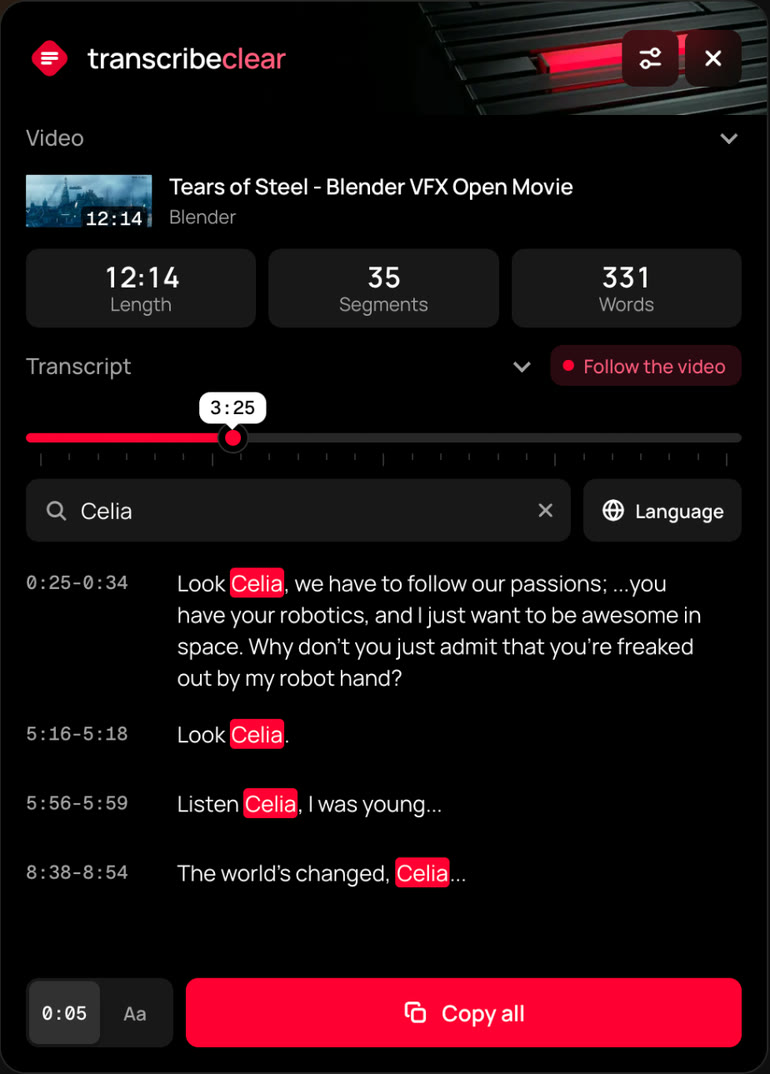
TranscribeClear turns YouTube videos into text with timestamps. Find the right moment, copy everything in one click, and stop watching an hour for one idea.
Transcripts on the website are paused for now. Use the extension.
Want the text right next to the player? Add the extension


The link will appear here as soon as the extension is published.
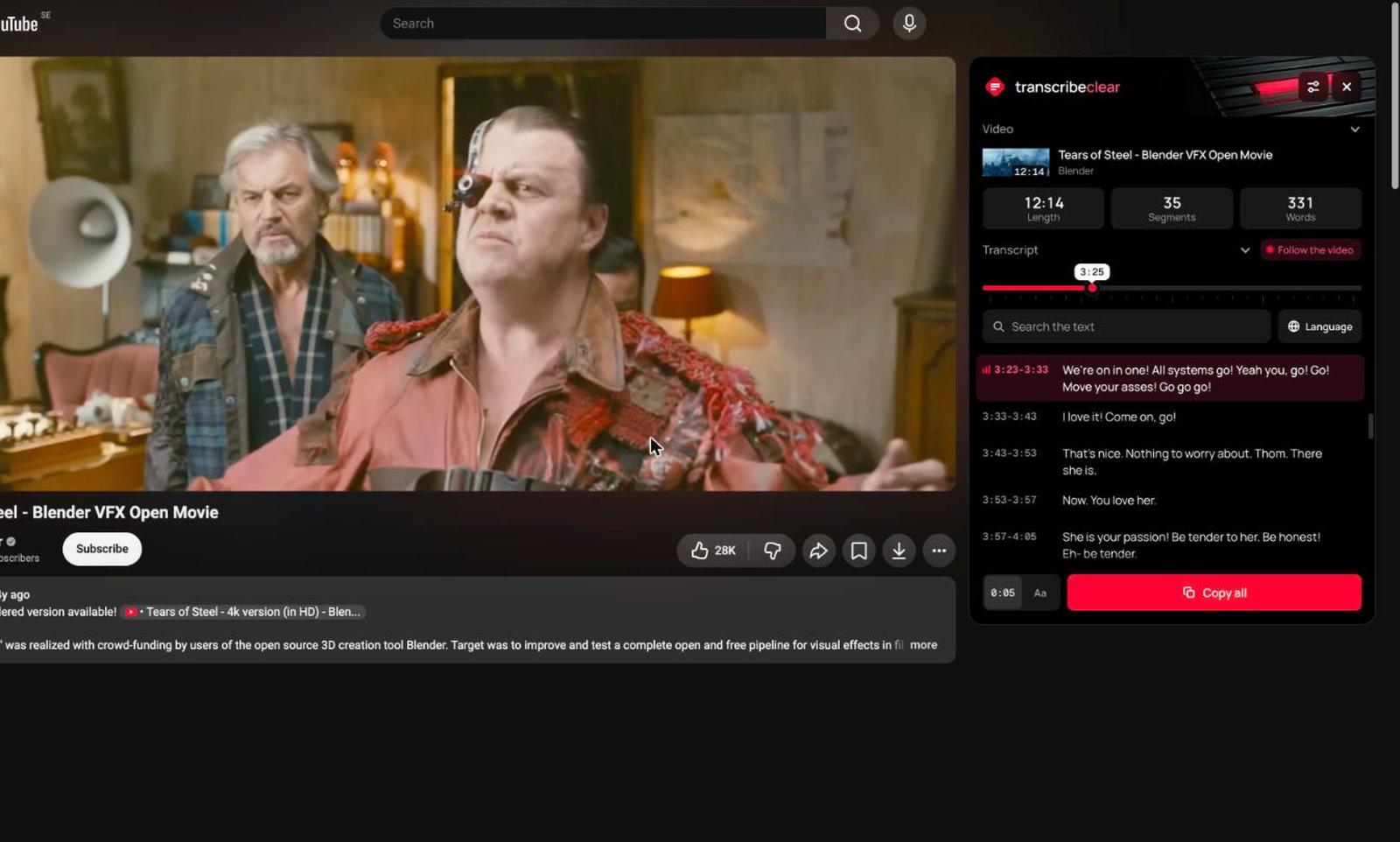
Real screenshots of the extension on YouTube. The current line follows the video, search works right away, and the whole text copies in one click.
The video shown is Tears of Steel by the Blender Foundation, licensed CC BY.
The video moves at its pace.
You read at yours.
Search for a word, see every place it was said, and jump straight to the one you need.
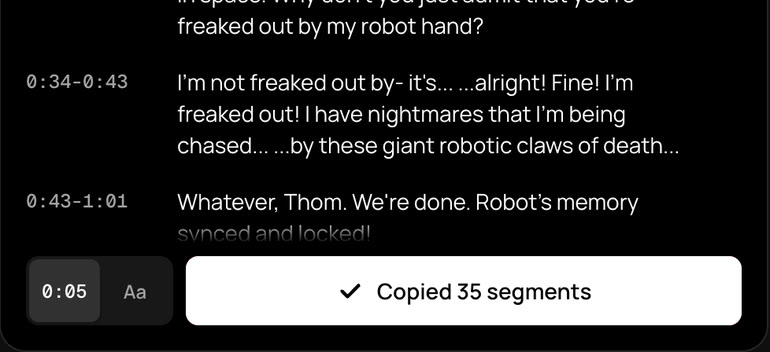
With or without timestamps. Paste it into notes, an email, or a chat with an AI.
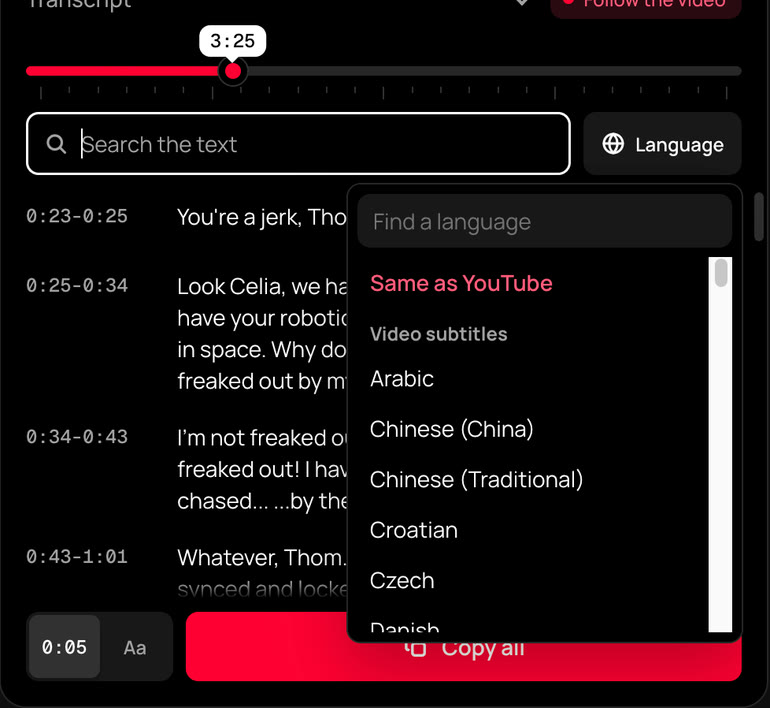
All subtitle tracks and YouTube auto translation right in the panel.
Three modes. The extension remembers your choice and never opens until you ask.
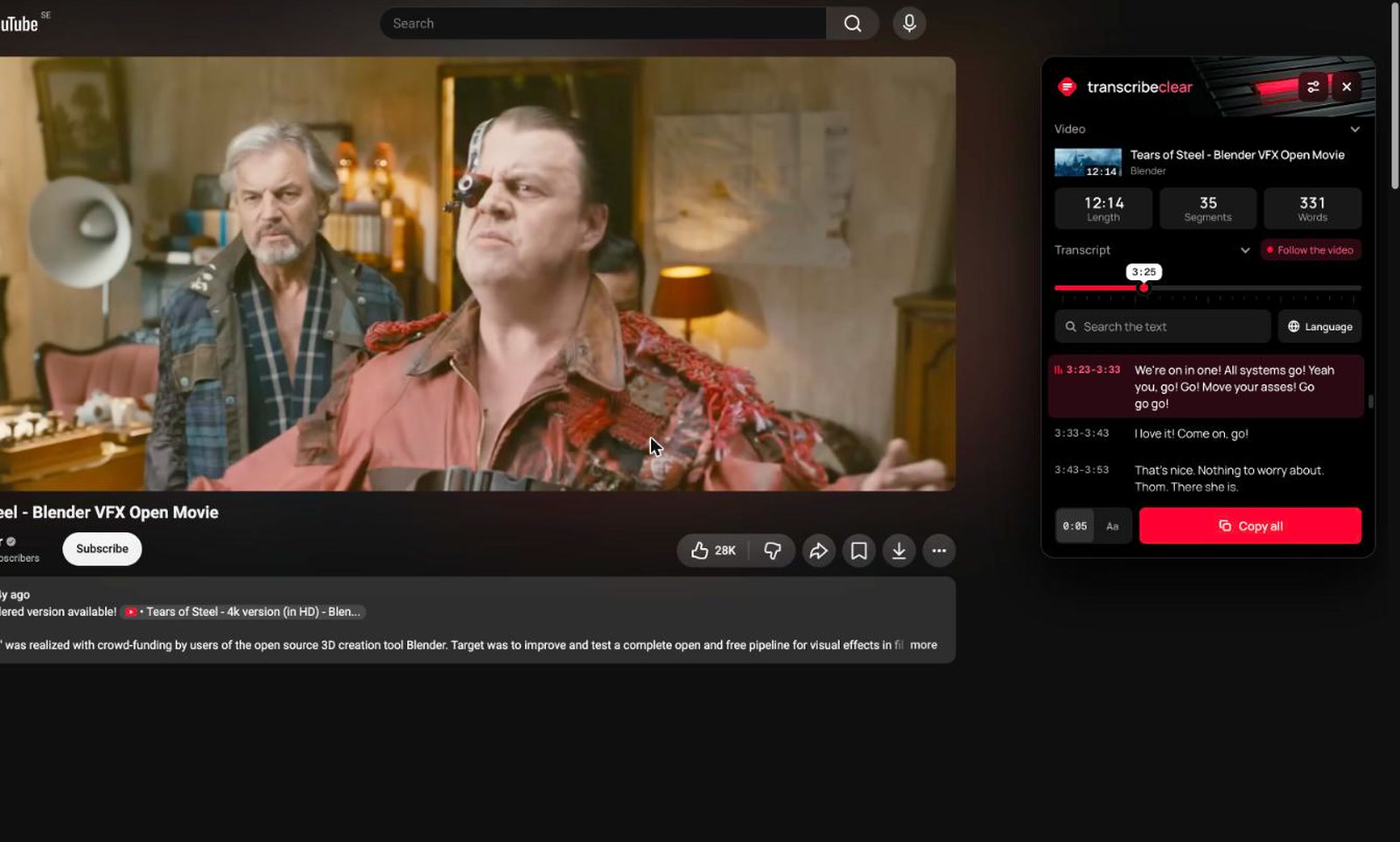
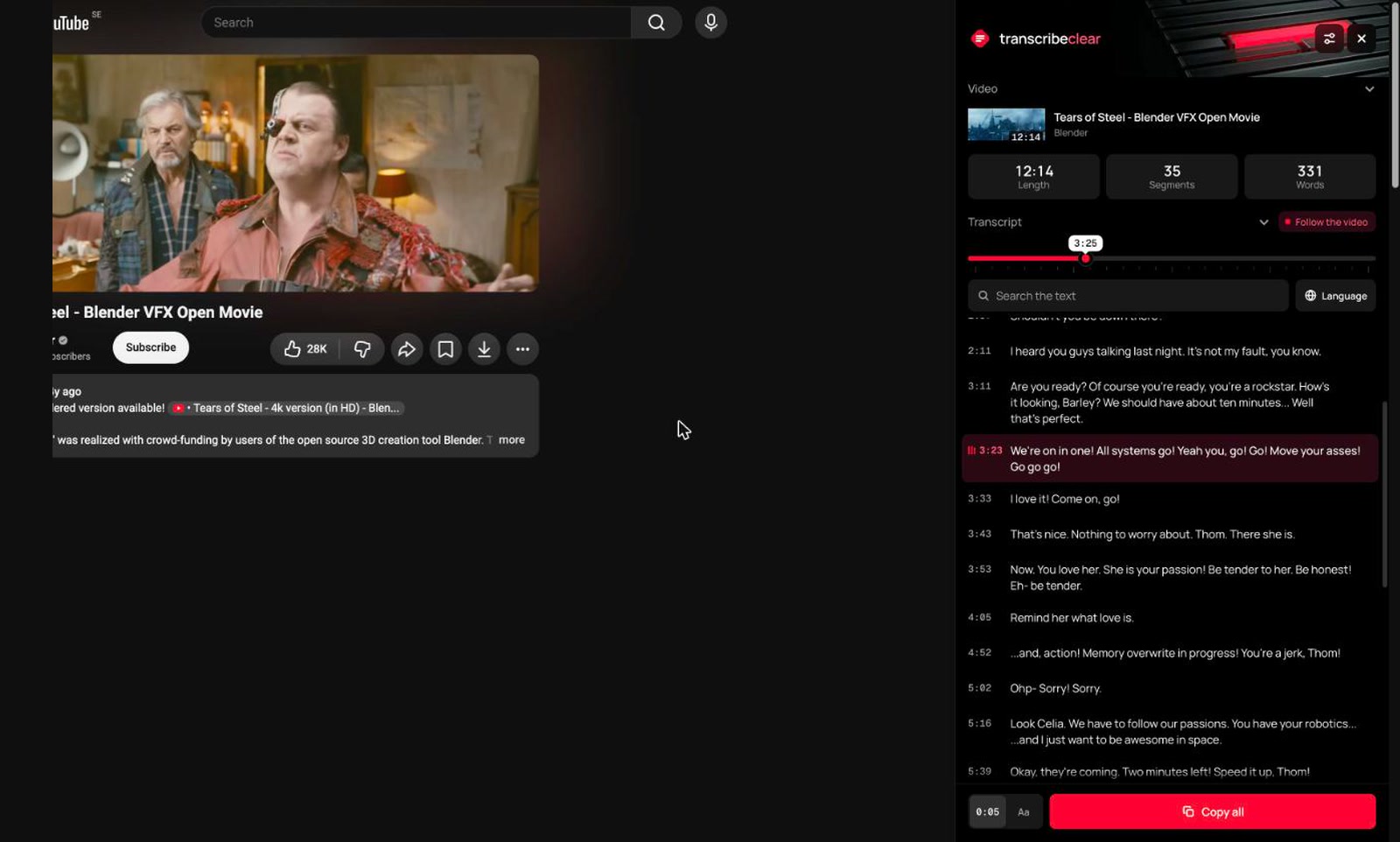
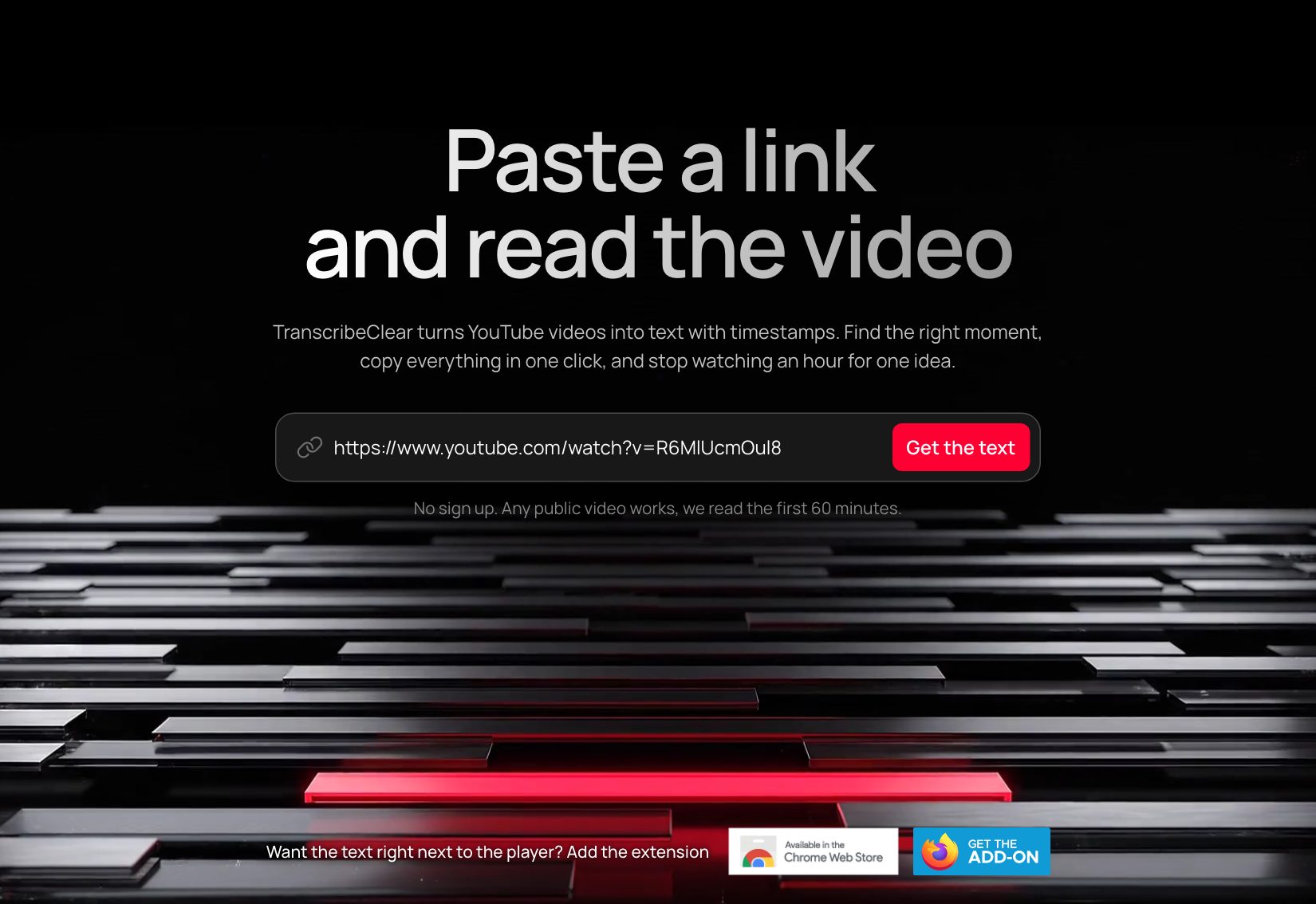
A regular browser link, a short youtu.be link, or a Shorts link all work.
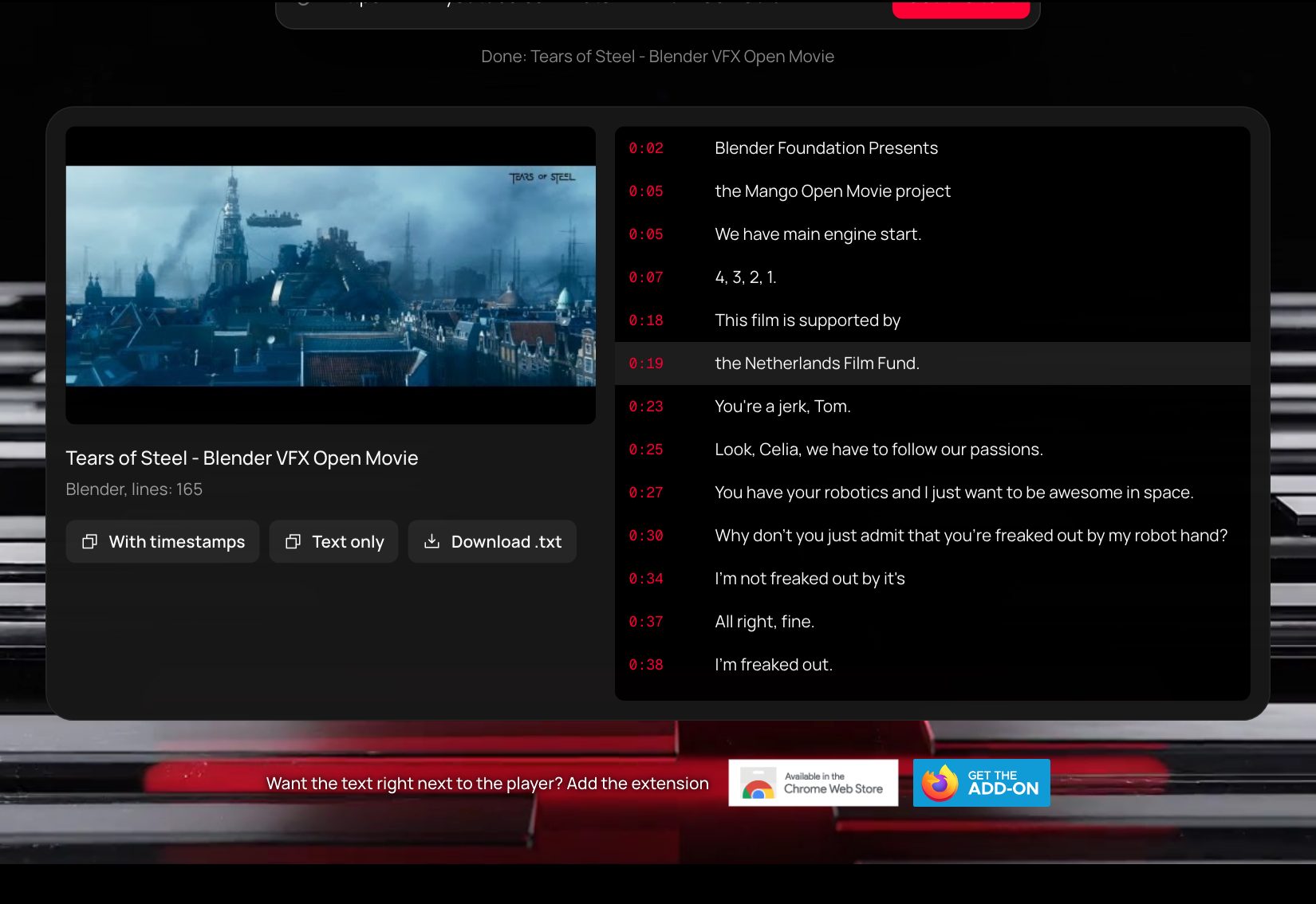
The first lines arrive in a few seconds. A 15 minute video takes about 20 seconds, an hour takes about a minute.
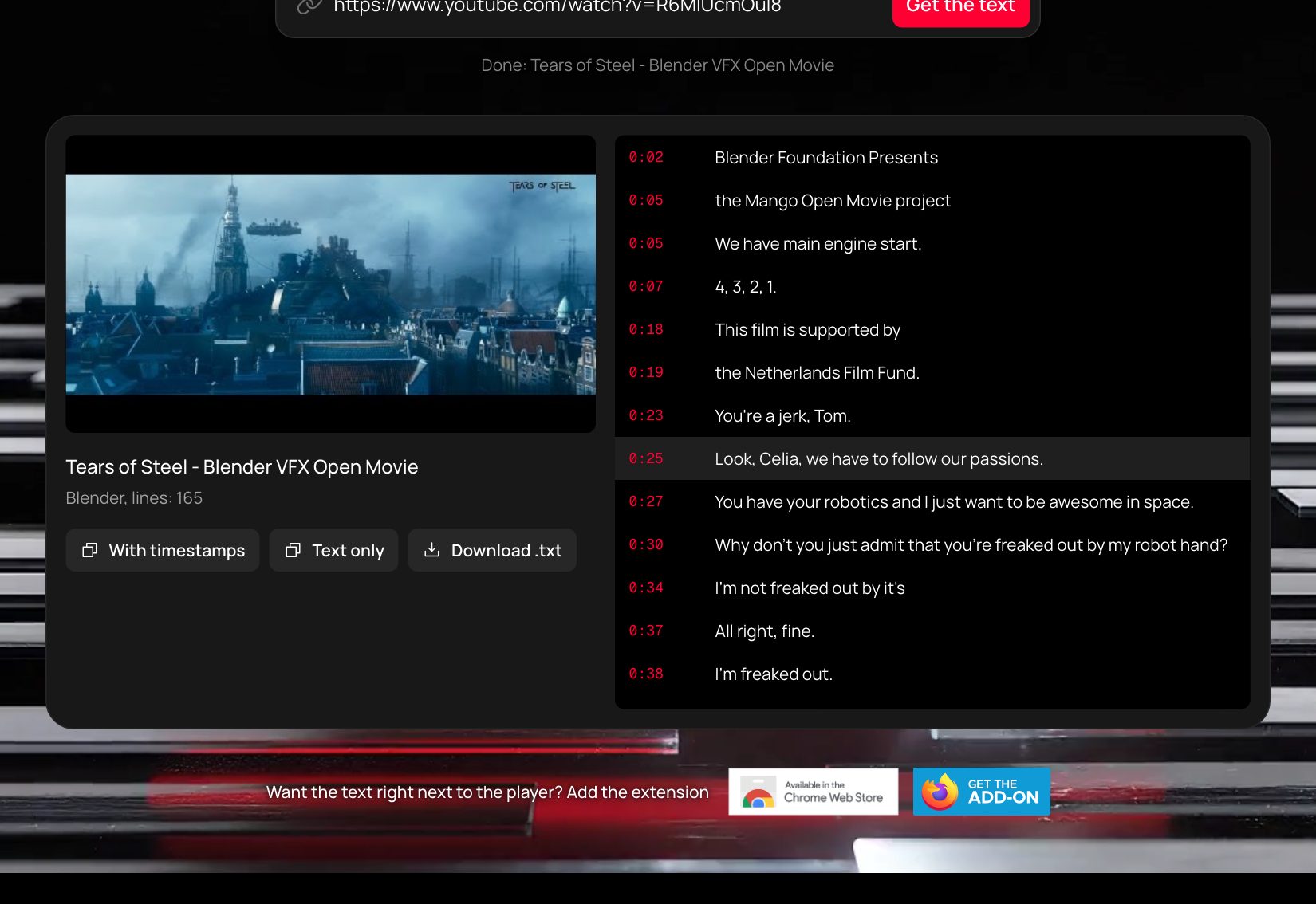
Click a timestamp to play from that moment. Copy the text or download it as a file.
The website helps once. If you watch YouTube often, the extension is the better fit.
When you need the text of one video right now
When you want the text next to every video
The result is similar, the path is different. The website sends the link to a Google model that recognizes the speech. The extension reads the transcript already on YouTube, so the text appears at once, next to the player.
No. Neither the website nor the extension has accounts.
We pay for every new video the server processes. The website gives you 5 new transcripts a day and reads the first 60 minutes of a video. A video someone has already transcribed does not count.
On the website a model recognizes the text, so it can get names and terms wrong, and timestamps can be off by a couple of seconds. In the extension the text and timing come from YouTube.
The website reads public videos only, not private or unlisted ones. The extension needs the video to have a transcript on YouTube.
Chrome and browsers built on it, plus Firefox 128 and newer.
It runs only on YouTube, sends no requests of its own, and keeps only settings on your computer: panel mode, size, and similar small things.